Making the Most of AWS
With an increasing number of websites and web applications moving their infrastructure to AWS from the traditional “web hosting” services, it has become important to ensure that this shift is done properly and in a well-planned manner. Doing so ensures that the application is able to make the most of the benefits AWS has to offer like Scalability, High Availability, Fault Tolerance, Content Distribution Networks and so on.
Below is a guide on how to leverage the infrastructure provided by AWS to create a highly scalable and fault tolerant web architecture.
1) Create a VPC
The first step is to create a Virtual Private Cloud with a CIDR IP range of your choice. The block size should be between /16 and /28
 A nice, blank canvas for us to work on
2) Create subnets
Next step is to create subnets under the VPC. For our architecture, we’ll design two private subnets in two different availability zones.
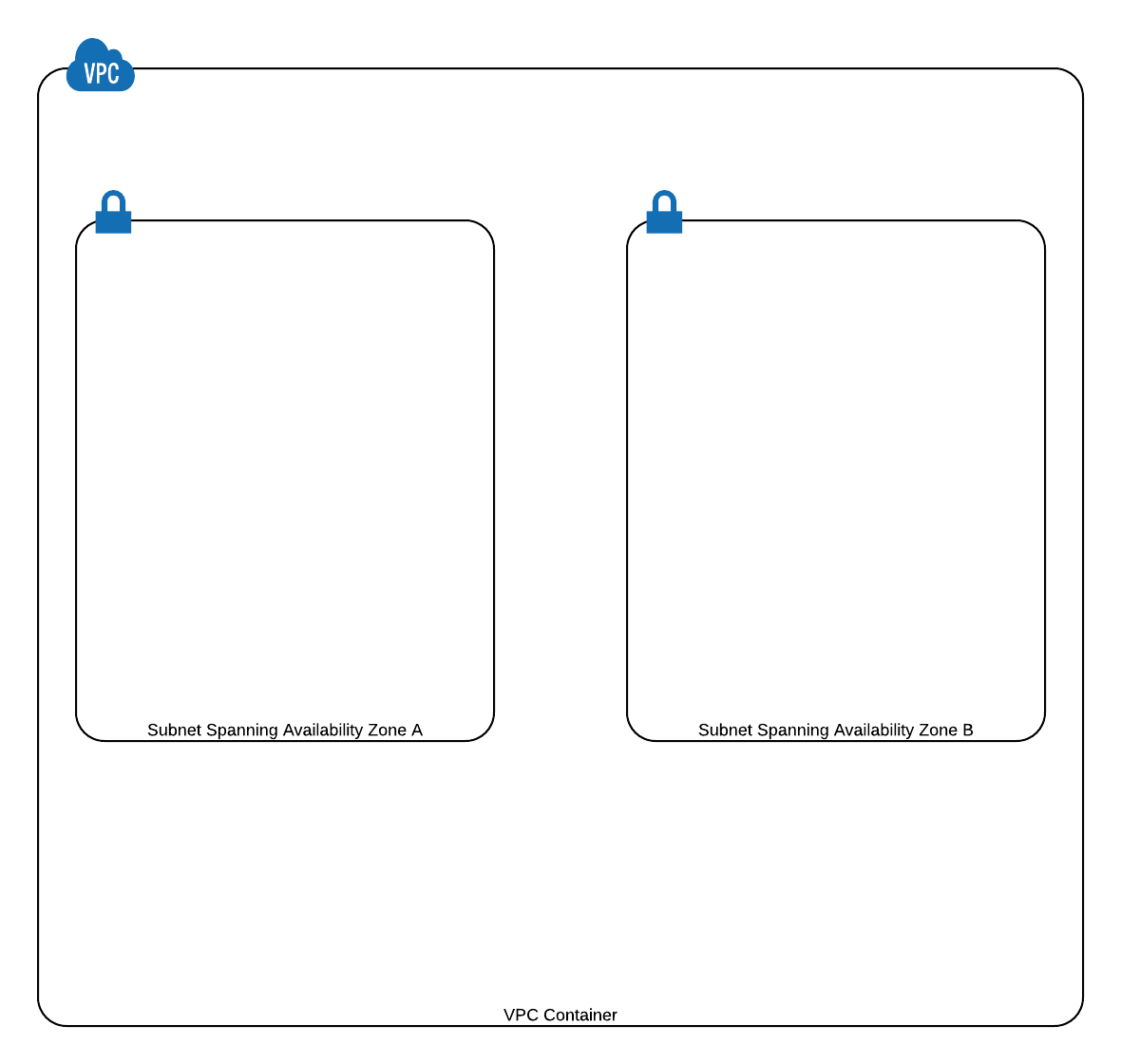 Two subnets corresponding to two different Availability Zones in order to implement High Availability
3) Adding an Internet Gateway
In order for the instances to access the internet, we must attach an Internet Gateway to the VPC. We’ll first create an Internet Gateway and then attach it to our VPC. In addition to this, we need to edit the Route Tables being used by the two subnets (a route table is created automatically whenever a VPC is created and all the subnets created inside the VPC get implicitly associated with this route table).
Edit the Route Table and add “0.0.0.0/0” to the Target field and select the IGW (Internet Gateway) in the Destination field. This will direct all traffic headed towards “0.0.0.0/0” to the IGW which will then route it to the appropriate destination.
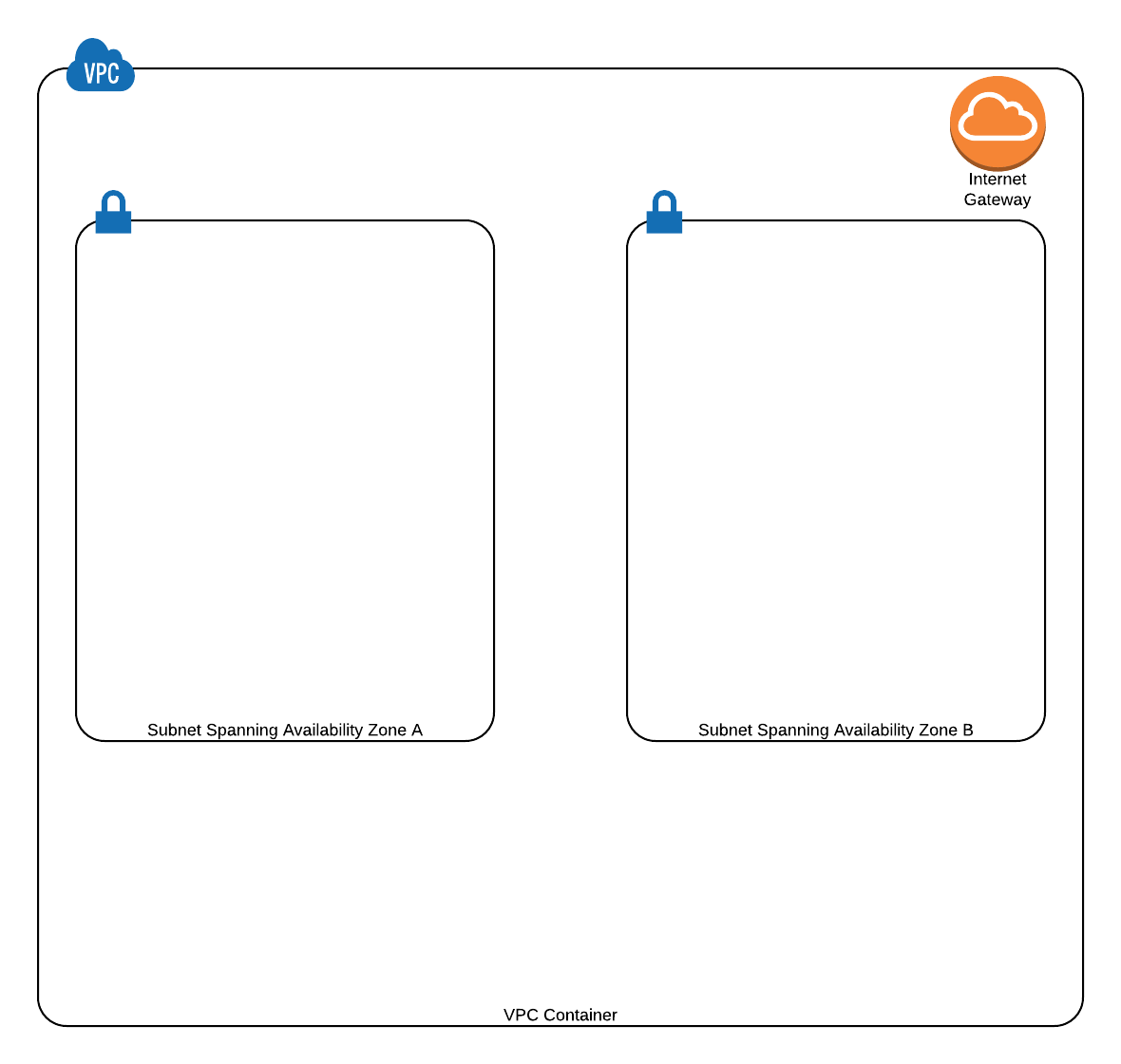 IGW allows communicating with internet
4) Launch Instances
We only require one instance each for the Web Layer and the Application Layer. The instance will be added to corresponding Auto-Scaling groups (one for Web Layer and one for Application Layer) which will automatically increase or decrease the number of instances in the group.
 <figcaption class="wp-caption-text">Launch a single instance of the Web and App servers</figcaption></figure>
5) Create Load Balancers
Create two Elastic Load Balancers, for the Web Layer and Application Layer respectively. While creating it, configure the ELBs to span both the subnets.
 <figcaption class="wp-caption-text">Load balancers for the Web and App layer respectively</figcaption></figure>
6) **Create Auto-Scaling Group and attach it to Load Balancer
**
There are three steps under this.
i) After configuring the Web and Application servers launched above, create an AMI of both.
ii) Create two Auto-Scaling groups for both the Web and Application Layers using the AMIs created in the above step.
iii) Attach the Web Layer Auto-Scaling group to the Web Layer ELB and the Application Layer Aut0-Scaling group to the Application Layer ELB
 <figcaption class="wp-caption-text">Create two AutoScaling groups and attach it to the corresponding ELBs</figcaption></figure>
7) Add the third Database Layer
Add an RDS instance in Multi-AZ mode which will create a standby RDS instance.
 <figcaption class="wp-caption-text">RDS the third layer of the architecture</figcaption></figure>
8) Create CloudFront Distribution using ELB endpoint
 <figcaption class="wp-caption-text">Create a CloudFront distribution using the Web Layer ELB endpoint</figcaption></figure>
9) Add an S3 bucket to store static content. Connect CloudFront to this bucket.
 <figcaption class="wp-caption-text">Store static content on S3 and connect it to CloudFront to S3 which will cache and serve the content</figcaption></figure>
10) Map your domain to the CloudFront Distribution URL by using Route 53 to configure a CNAME record.
 <figcaption class="wp-caption-text">Create a CNAME record using CloudFront Distribution URL on Route 53</figcaption></figure>
By following this design methodology, we can ensure that our architecture is capable of utilizing scalable infrastructure. It is important to identify the components in your architecture that can potentially cause bottlenecks. By refactoring such components, your infrastructure can be made non-blocking. It is also equally important to ensure that your application plays well with scalability. Ideally, your application should be stateless in nature and highly decoupled.
In this way, you are ready to exploit the cloud and fully leverage the benefits it has to offer.
Reference: http://media.amazonwebservices.com/architecturecenter/AWS_ac_ra_web_01.pdf
Comments